Difficulty
Moderate
Steps
5
Time Required
- LCD Enclosure 5 steps

In Progress
This guide is currently being written. Reload periodically to see the latest changes.

User-Contributed Guide
This guide is not managed by the site's staff.

Private
This guide will not appear in search results and can only be viewed by team members!
Quiz
0
-
-
Locate the LCD pack of parts from your kit or order.
-
If your kit / printer is equipped with a RAMBo board you will have a RAMBo / LCD Adapter Board in your kit this is identified in the 3rd picture. This adapteer board is not required when using the LCD with Mini-RAMBo boards.
-
-
-
Remove the protective label from the Piezo buzzer
-
Remove the knob from the Rotary Encoder. This is a compression fit and removes by simply pulling it off.
-
-
-
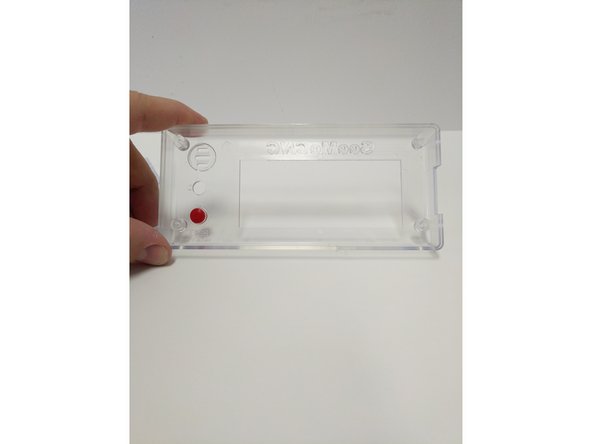
Insert the red button in the enclosure front (from the inside). The flange on the button will prevent it from falling all the way through.
-
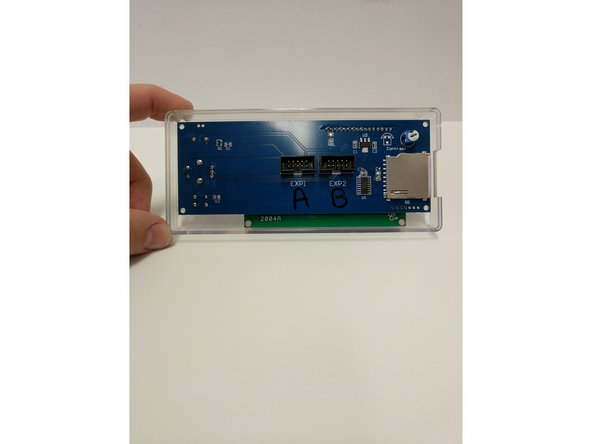
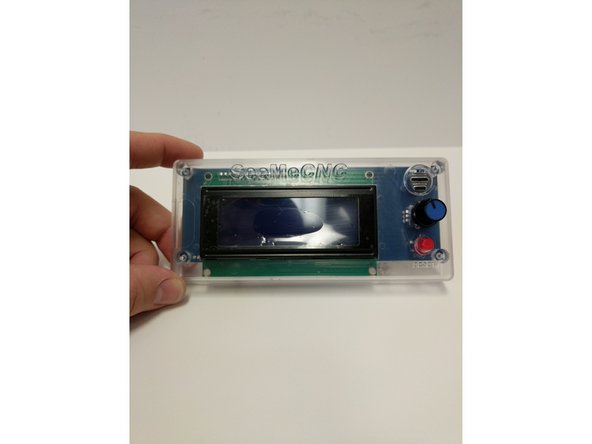
Insert the LCD controller into the enclosure front case. The SD card reader on the right side will line up with the recess in the enclosure.
-
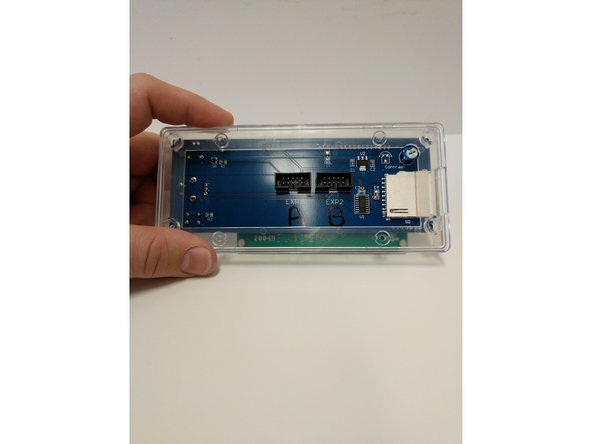
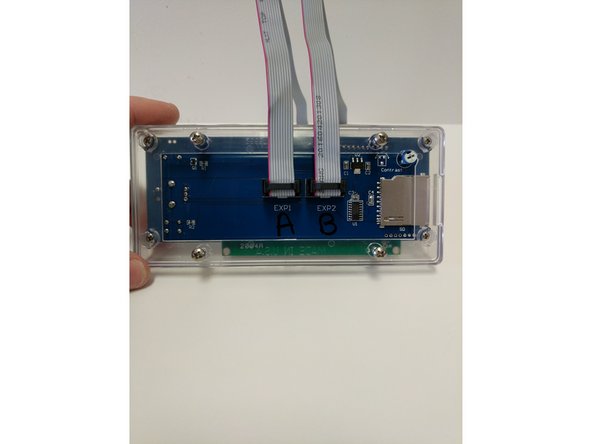
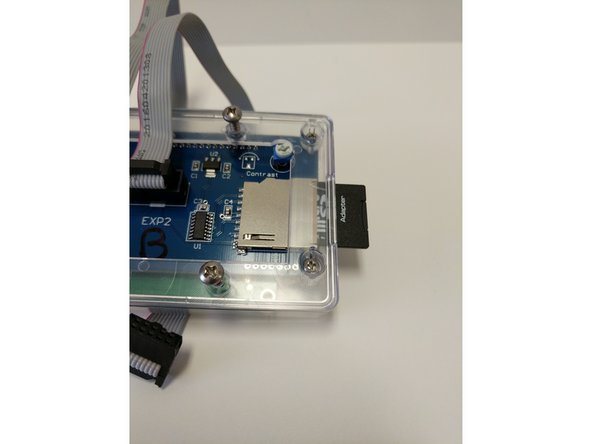
Insert the LCD enclosure back over the controller. This component has a boss that will line up with the SD card reader.
-
-
-
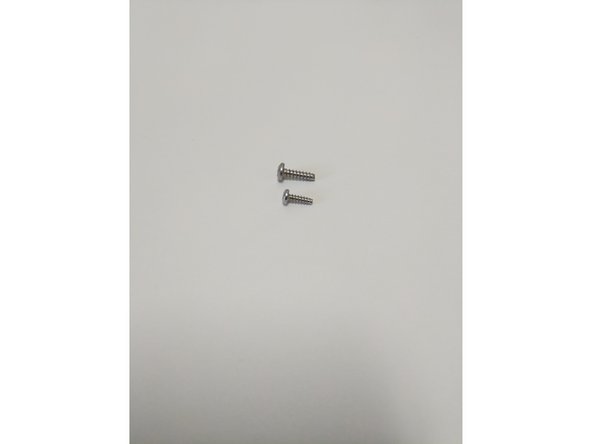
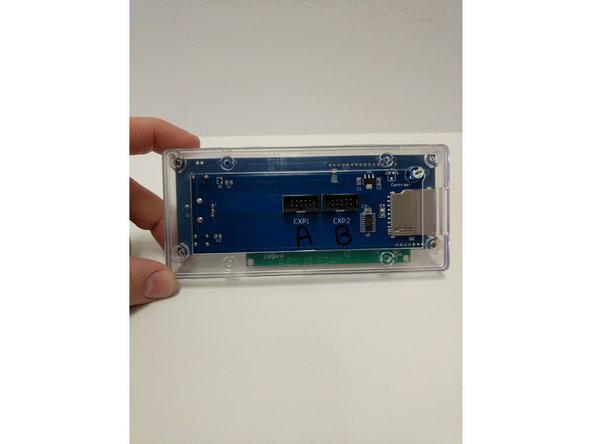
There are two sizes of sheet metal screws (#4 x 3/8" & #6 x 1/2") in your LCD enclosure pack (shown in image 1)
-
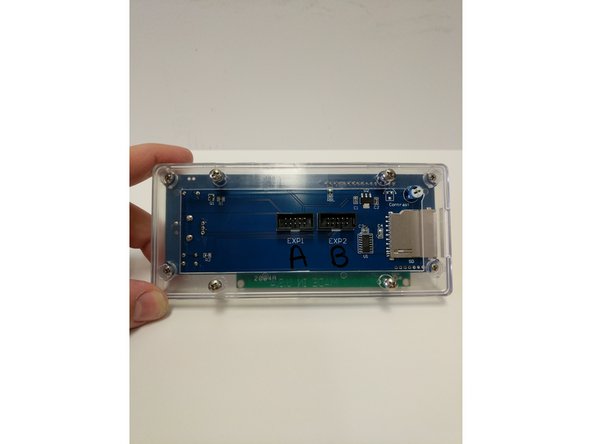
The smaller (#4 Sheet Metal Screw) will be used on the four outtermost corners of the enclosure. These screws will go through the Back Cover Piece, Controller and then self tap into the Front Cover Piece.
-
Tighten the four screws.
-
Do not Over-Tighten causing the plastic enclosure to be damaged.
-
-
-
Bit
-