Difficulty
Moderate
Steps
5
Time Required
- LCD Enclosure 5 steps

In Progress
This guide is currently being written. Reload periodically to see the latest changes.

User-Contributed Guide
This guide is not managed by the site's staff.

Private
This guide will not appear in search results and can only be viewed by team members!
Quiz
0
-
-
Locate the LCD pack of parts from your kit or order.
-
If your kit / printer is equipped with a RAMBo board you will have a RAMBo / LCD Adapter Board in your kit this is identified in the 3rd picture. This adapteer board is not required when using the LCD with Mini-RAMBo boards.
-
-
-
Remove the protective label from the Piezo buzzer
-
Remove the knob from the Rotary Encoder. This is a compression fit and removes by simply pulling it off.
-
-
-
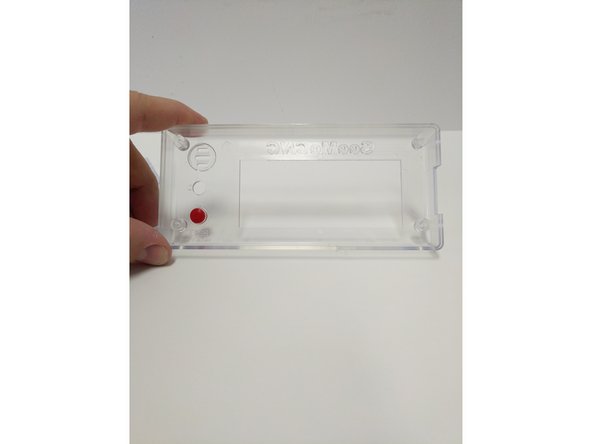
Insert the red button in the enclosure front (from the inside). The flange on the button will prevent it from falling all the way through.
-
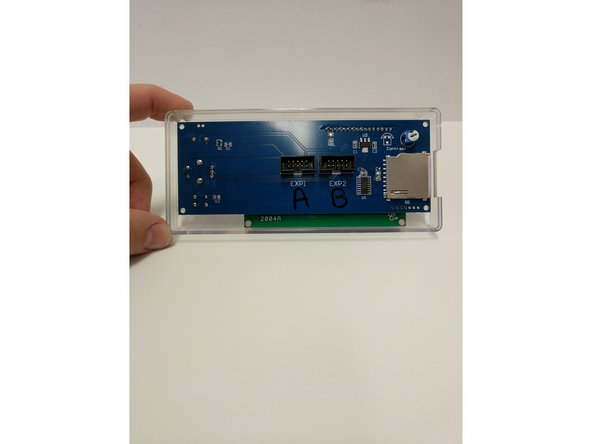
Insert the LCD controller into the enclosure front case. The SD card reader on the right side will line up with the recess in the enclosure.
-
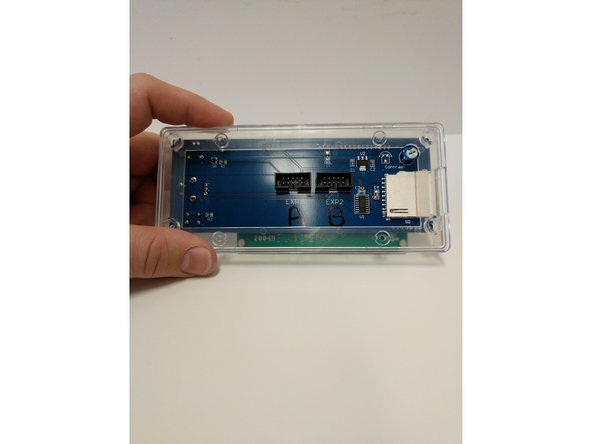
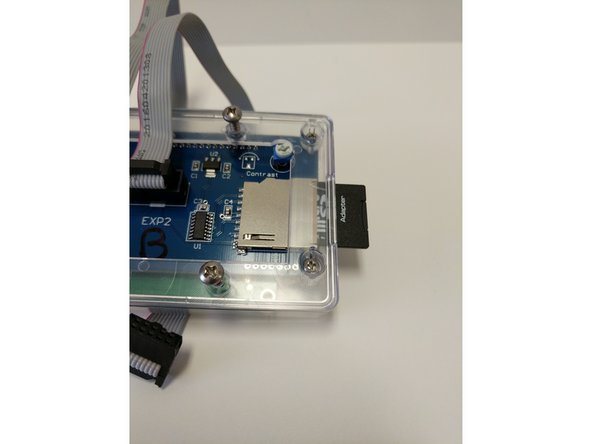
Insert the LCD enclosure back over the controller. This component has a boss that will line up with the SD card reader.
-
-
-
Fast
-
-
-
Bit
-